I just discussed how to change the username, when the UPN is different from the SIP URI. So I made this post to document my findings.
First sign out from the client (if applicable) and click "Delete My Sign-in Info"

Confirm you really want to do this

Exit Skype for Business client application


Confirm you want to save the sign-in info


First sign out from the client (if applicable) and click "Delete My Sign-in Info"

Confirm you really want to do this


Delete the sip_<username> folder, for Skype for Business 2016 it is in %userprofile%\appdata\Local\Microsoft\Office\16.0\Lync\. It is safe to delete the entire folder, it will be recreated at next logon.
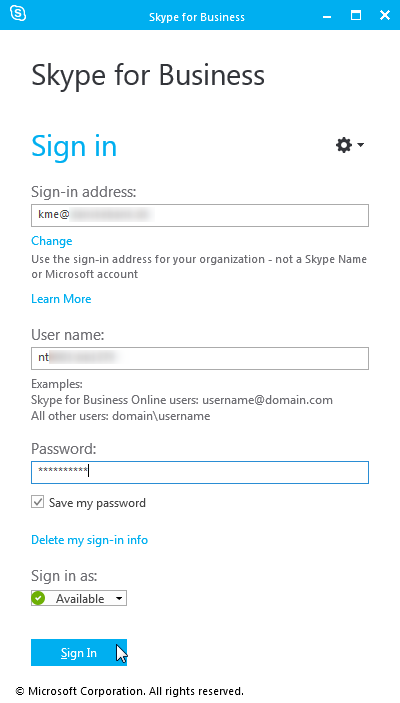
Start Skype for Business client application again, enter password and press Sign In


Oops (as expected)

Enter the UPN or Domain\SAMAccountName in the username field, password and click Sign In
Confirm you want to save the sign-in info

And the client signs in

